PvZ Fusion iOS – Can You Play It on iPhone and iPad? (2026 Guide)
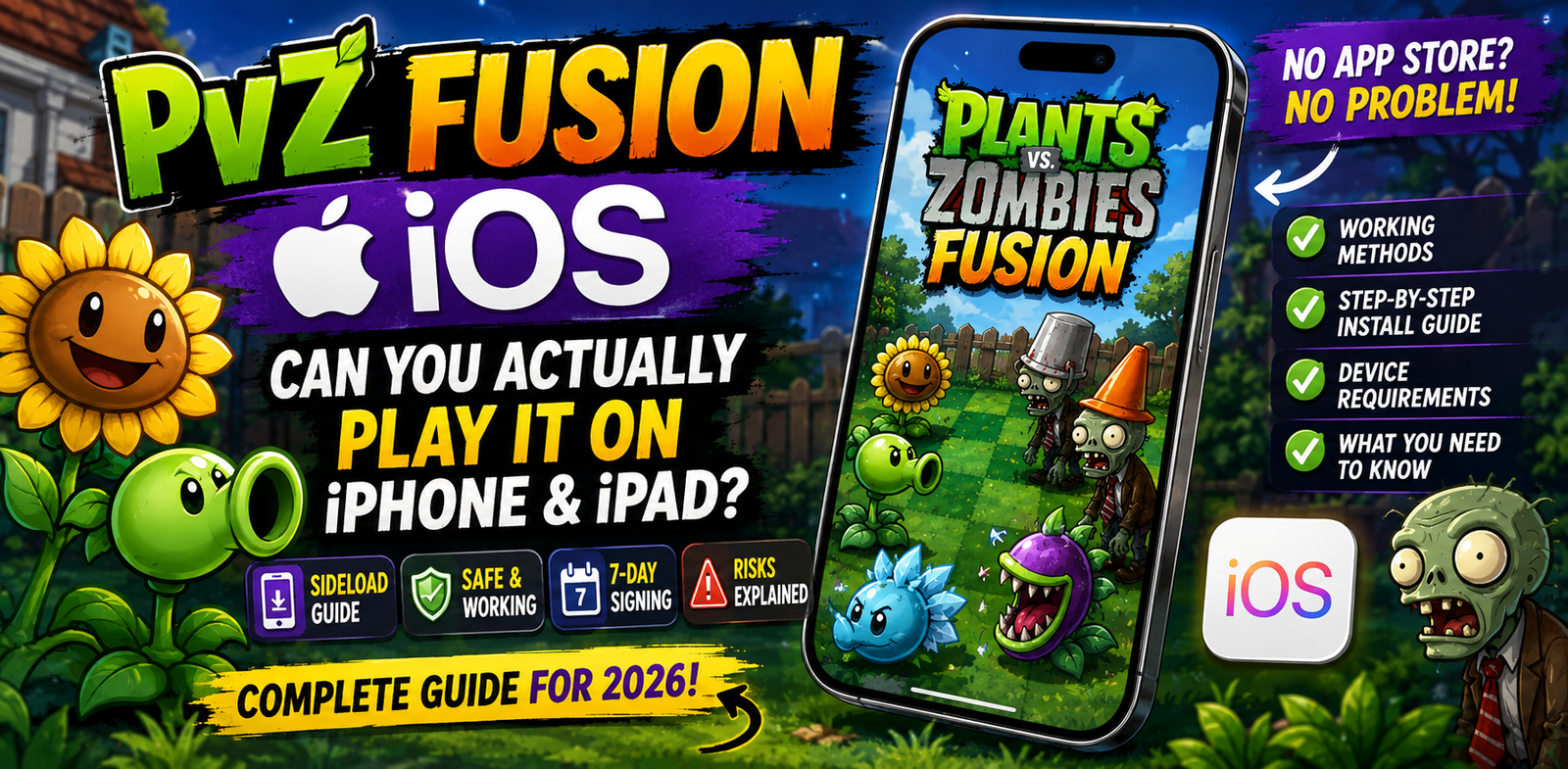
PvZ Fusion iOS – Can You Actually Play It on iPhone and iPad?
If you’ve been searching for PvZ Fusion on the App Store, you already know it’s not there. The game doesn’t show up, and it never will through official channels. That doesn’t mean iOS players are completely out of options, but it does mean the path to getting it running on your iPhone or iPad looks nothing like a standard app install.
This guide covers exactly what the situation is, what actually works in 2026, what the real risks are, and what you should consider before going down this route.
Why PvZ Fusion Is Not on the App Store
PvZ Fusion APK is a fan-made mod of the original Plants vs. Zombies. It was created by developer LanPiaoPiaoFly and first released through Bilibili in June 2024. It is not made by PopCap Games or Electronic Arts, and it uses characters and assets that belong to those companies.
Apple’s App Store has strict policies against unofficial mods and fan games that use existing IP without authorization. This means PvZ Fusion cannot be listed there, regardless of how popular it gets. As of August 2026, there is no official iOS release and no confirmed release date from the developer.
The game is officially available for Android (APK) and Windows PC only.
The Only Real Option – Sideloading
Sideloading means installing an app on your iPhone from outside the App Store, using a file format called an IPA. On Android, this is straightforward because the operating system allows it by default. On iOS, Apple restricts this, but it is not completely blocked.
There are tools that make sideloading possible without jailbreaking your device. The most widely used in 2026 are AltStore and Sideloadly.
How AltStore Works
AltStore was created by developer Riley Testut and works by using Apple’s own developer certificate infrastructure. When you install an app through AltStore, it signs the IPA file using your Apple ID, which makes iOS treat it like a developer-signed app.
The process looks like this: you install AltServer on your Windows PC or Mac, connect your iPhone via USB, and use AltServer to push AltStore onto your device. From there, you can install IPA files directly through the AltStore app on your phone.
There is one significant limitation. Apple’s free developer accounts are capped at three active sideloaded apps at the same time. If you already have two other sideloaded apps running, you would need to remove one before installing PvZ Fusion. Apps signed this way also expire after seven days. AltStore handles re-signing automatically over Wi-Fi, but your computer needs to be on and running AltServer for this to work.
How Sideloadly Works
Sideloadly is a simpler tool for one-off installs. You open the application on your PC or Mac, connect your iPhone via USB, drag the IPA file into the window, enter your Apple ID, and click Start. The app gets signed and installed in about 30 seconds.
The trade-off is that Sideloadly has no background refresh. When the seven-day signing period expires, you need to connect your phone again and redo the process. For a game you play regularly, this can become tedious.
The Seven-Day Signing Problem
Both tools share the same core limitation: free Apple IDs can only sign apps for seven days at a time. After that, the app stops launching until it is re-signed.
The only way around this is a paid Apple Developer account, which costs $99 per year and removes the expiration limit entirely. For most casual players, this is not a practical solution just to run one game.
Minimum iOS Device Requirements
If you decide to go ahead with sideloading, your device needs to meet these minimum specs for PvZ Fusion to run:
- iPhone 6s, iPad Air 2, or iPod touch (7th generation) or newer
- A9 chip or later
- Minimum 2GB RAM
- iOS version compatible with your sideloading tool
Newer devices (iPhone 12 and above) run the game noticeably better. On older supported devices, expect some frame drops during heavy fusion sequences or large zombie waves. Read this complete guide PvZ Fusion for iOS to install it on iphone with various methods.
The Risks You Need to Know About
This section matters. Most guides on other sites skip over this part or bury it at the bottom. Here is the honest breakdown.
IPA Source Risk
The biggest danger with iOS sideloading is not the process itself. It is where you get the IPA file from. Fake IPA files are common. Some contain malware. Others are empty files with a PvZ Fusion label but nothing actually functional inside. A handful are designed to harvest Apple ID credentials when you enter them during the signing process.
Only use IPA files from sources you can verify. If a site requires you to complete a survey, sign up for something, or watch an ad before the download starts, leave immediately.
Apple ID Risk
When you use AltStore or Sideloadly with a free Apple ID, that account becomes associated with the signed app. There have been isolated reports of Apple flagging accounts that heavily sideload third-party content. Using a secondary Apple ID that isn’t tied to your purchases, subscriptions, or payment information is a sensible precaution.
No Official Support
If something breaks, crashes, or stops working, there is no support channel for the iOS version specifically. The PvZ Fusion Discord covers the official Android and PC versions. iOS-specific issues are handled by the community, and fixes are not guaranteed.
Game Stability
The official builds of PvZ Fusion are developed and tested on Android and PC. Any iOS version you find is adapted by third parties, not by LanPiaoPiaoFly’s team. Performance varies, some features may behave differently, and version 3.9 content may not be fully functional depending on which IPA build you find.
The Better Alternative Most iOS Players Don’t Consider
If your primary goal is to play PvZ Fusion and you have access to any of these options, they are more reliable than iOS sideloading:
- An Android device, even a budget one running Android 5.0 or higher, will run PvZ Fusion natively through a direct APK install. No signing, no expiration timers, no third-party tools.
- A Windows PC supports the full official PC version of PvZ Fusion. If you have a laptop, this is the cleanest option for getting the complete experience with every 3.9 feature working correctly.
- An Android emulator on Mac or PC, such as BlueStacks or LDPlayer, lets you run the Android version of PvZ Fusion on your desktop if you don’t want to use the PC build directly.
None of these require the workarounds that the iOS route does.
What to Expect If You Do Sideload It
If you go ahead with sideloading, here is a realistic picture of the experience:
The game will look and feel similar to the Android version in terms of visuals and core gameplay. Touch controls work fine on iPhone and iPad. The fusion mechanic, game modes, and plant roster are all present.
What you will notice is that some UI elements are optimized for Android aspect ratios and may feel slightly off on certain iPhone screen sizes. Save data is stored locally on the device, so if the app gets removed during a re-sign issue, your progress may not be recoverable.
You will also need to re-sign the app roughly every seven days unless you have a paid developer account. If you forget or your computer is unavailable, the game will simply stop opening until you do it.
Where to Download PvZ Fusion for Other Platforms
If you want to download PvZ Fusion 3.9 for Android or PC, the latest version was released on August 16, 2026, and includes all the new plants, updated game modes, and the two new boss zombies added in this update.
For iOS specifically, there is no version we can directly point you to from the developer. The situation may change in future updates, but as of now, Android and PC remain the only officially supported platforms.
Frequently Asked Questions
Is PvZ Fusion officially available for iPhone?
No. PvZ Fusion has no official iOS release as of August 2026. It is only officially available for Android and Windows PC.
Can I get PvZ Fusion on the App Store?
No. Apple’s App Store does not allow unofficial fan mods that use licensed game characters without authorization. PvZ Fusion will not appear there.
Can I install PvZ Fusion on iOS without jailbreaking?
Yes, through sideloading tools like AltStore or Sideloadly. These use Apple’s developer certificate system to install apps from outside the App Store. No jailbreak is required.
What is the seven-day signing limit?
When you sideload an app with a free Apple ID, Apple’s system only validates the signature for seven days. After that, the app stops launching until you re-sign it using the same sideloading tool. This is an Apple limitation, not a bug in the tools.
Is it safe to sideload PvZ Fusion on iPhone?
The sideloading process itself is generally safe if you use a reputable tool like AltStore or Sideloadly. The main risk comes from unverified IPA files from unknown sources. Use a secondary Apple ID and verify your download source before installing anything.
Will sideloaded PvZ Fusion get future updates automatically?
No. You will need to manually download each new version as an updated IPA and re-sideload it. There is no automatic update system for sideloaded apps.
What iPhone models can run PvZ Fusion?
The minimum requirement is an iPhone 6s with an A9 chip and 2GB RAM. Any iPhone 7 or newer will run it comfortably. For the smoothest experience with version 3.9 content, iPhone 12 or later is recommended.
Conclusion
PvZ Fusion on iOS is possible, but it comes with real trade-offs that most guides don’t fully explain. The sideloading process works. Tools like AltStore and Sideloadly are legitimate and widely used. The game runs reasonably well on supported iPhone and iPad models.
The honest assessment is that it requires more effort than playing on Android or PC, and that effort repeats every seven days if you’re on a free Apple ID. The IPA source question is the most important one to get right, since that’s where the actual risk sits.
If you’re committed to iOS, the process is manageable. If you have any Android device or Windows PC available, the official versions on those platforms give you a cleaner experience with the full 3.9 update intact, no signing timers, and no risk of progress loss from expired certificates.
The choice depends on your situation. Either way, the game is worth playing.