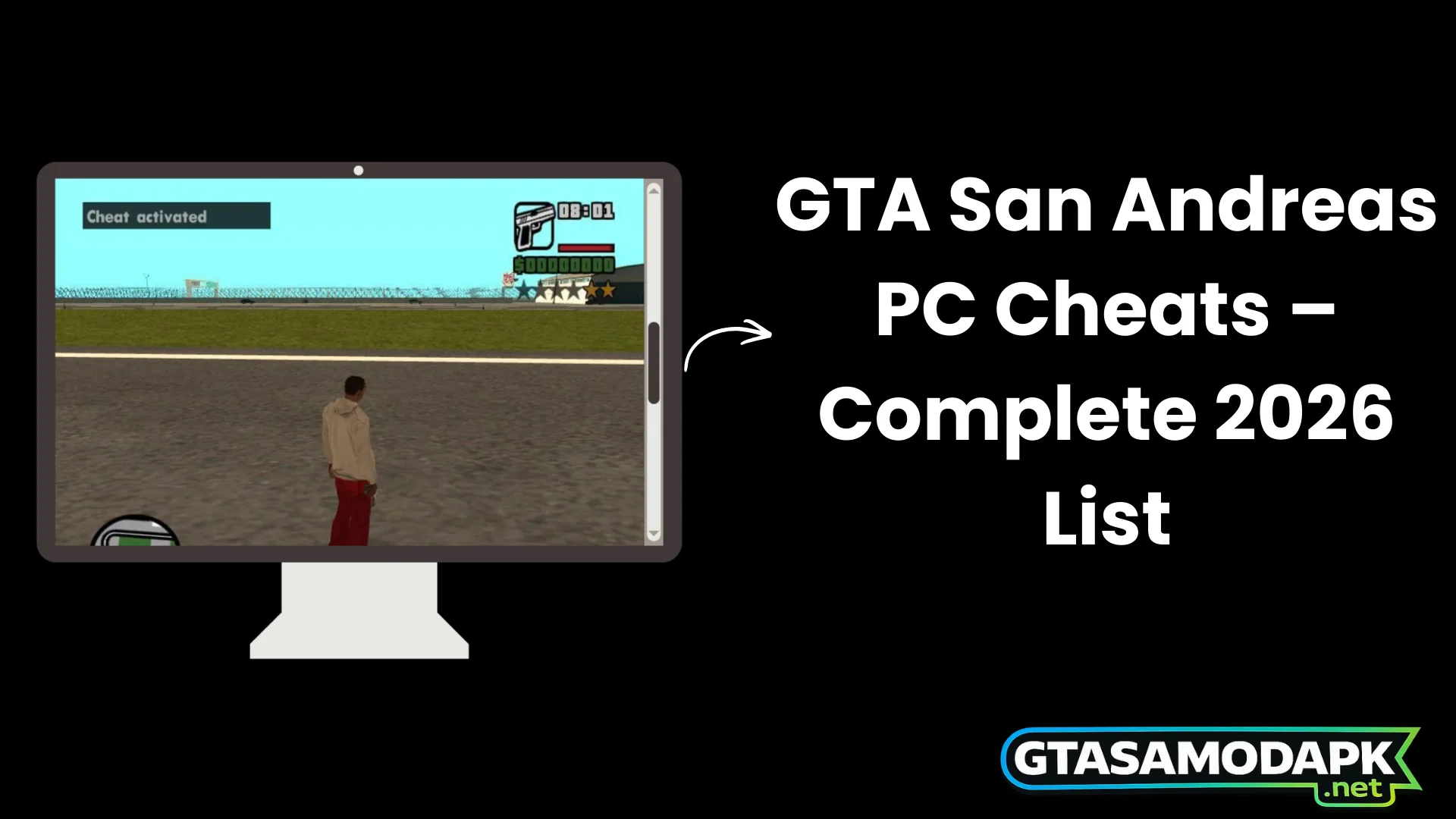
GTA San Andreas PC Cheats – Complete List
GTA San Andreas PC cheats are one of the biggest reasons players still revisit Grand Theft Auto: San Andreas decades after its original release.
The storyline is legendary, the open world is massive, and the characters are unforgettable — but the cheat system is what truly transforms the experience into something limitless.
San Andreas on PC gives players something rare: instant control. You don’t need external software. You don’t need to open a hidden console. You don’t need to install mods. You type a word during gameplay — and the game reacts immediately. Your health refills. A military tank spawns in front of you. The police disappear. The sky turns foggy. Cars begin flying. Pedestrians start rioting. That level of freedom is why cheat codes remain so popular in 2026.
This complete guide covers everything you need in one place:
- What GTA San Andreas PC cheat codes are
- How they work inside the game engine
- How to enter them correctly
- Important warnings before using them
- Fully categorized lists
- Definitive Edition compatibility
- Detailed explanation of cheats vs trainers
- Frequently asked questions
- Safe usage recommendations
Whether you are playing the original PC version or the remastered edition, this guide gives you full clarity.
What Are GTA San Andreas PC Cheat Codes?
GTA San Andreas PC cheats are built-in developer command strings embedded directly into the game’s programming. Rockstar Games created them during development to test AI behavior, combat systems, mission triggers, and vehicle physics.
Instead of removing them from the final version, Rockstar intentionally left many of them active for players.
Cheats allow you to modify:
- Player health, armor, stamina, and stats
- Weapons and ammunition
- Police wanted level
- Vehicle and aircraft spawning
- Weather and time
- NPC behavior and traffic patterns
- Physics and chaos systems
They are not hacks. They are not external tools. They are official features inside the game.
If you want to go beyond basic cheats, you can try the GTA San Andreas mod APK for extra features like unlimited money and unlocked options. It’s a great way to enjoy the game with more freedom and fewer limitations compared to standard PC cheats.
How Cheat Codes Work in the Game Engine?
The original PC version runs on the RenderWare engine. The game constantly monitors keyboard input during gameplay.
Here is how activation works:
- Every key you press is temporarily stored.
- The engine compares your typed sequence to a hidden cheat database.
- If it finds an exact match, a predefined script executes.
- Gameplay variables update instantly.
For example:
- HESOYAM updates CJ’s health and armor variables.
- ASNAEB modifies the internal “crime heat” value controlling police AI.
- Weather cheats adjust lighting shaders and environmental settings.
Because these functions are hardcoded, activation is immediate.
Are Cheats Official Developer Features?
Yes. Cheat codes are official developer tools left in the game by Rockstar.
They are:
- Not illegal
- Not exploits
- Not memory injections
- Not external programs
However, they were designed for sandbox experimentation rather than balanced campaign progression.
Do Cheats Work on the Steam Version?
Here is a clean SEO paragraph with your requirement (cheats work on free version + download link mention):
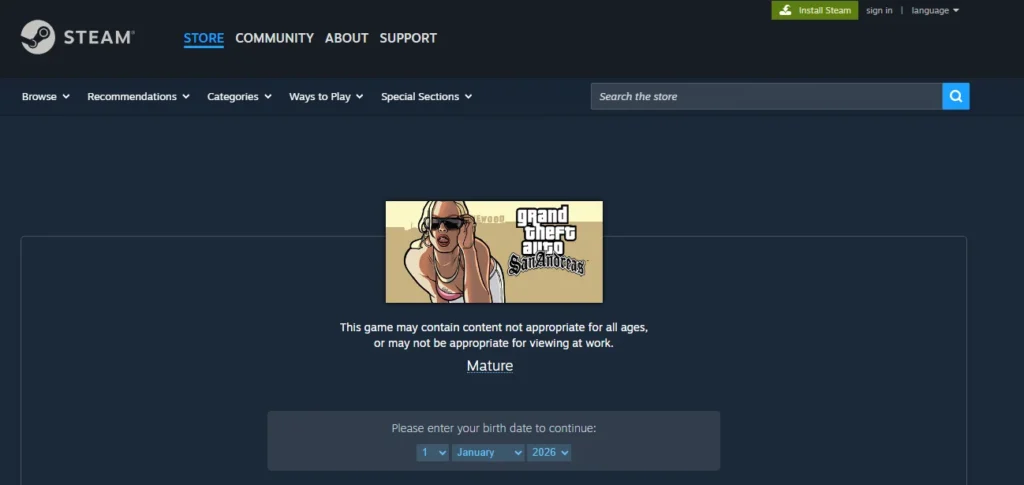
Yes, GTA San Andreas PC cheats work on the Steam version exactly the same as they do on the original disc version. Players can enter cheat codes directly during live gameplay without pressing Enter, making it easy to activate weapons, vehicles, health boosts, and other gameplay effects instantly.
These GTA San Andreas cheats also work on the free PC version of the game, so you can still enjoy the full cheat experience even if you are not using the Steam edition. If you want to play the game on your computer, you can download GTA San Andreas for PC and start exploring the open world of San Andreas right away.
Player Stats & Ability Cheats
How to Enter Cheat Codes in GTA San Andreas on PC?
Entering cheats is simple:
- Play normally.
- Stay in control of CJ.
- Type the cheat code as per requirement.
- Do not press Enter.
The game does not display typed letters, so accuracy is important.
If you’re looking to make gameplay easier or more fun, using GTA San Andreas PC and console cheats can help you unlock weapons, vehicles, and special abilities instantly. Check out the complete cheat list to get all codes and enhance your gaming experience.
Using Keyboard Input During Gameplay
- Stand still before typing for better accuracy.
- Type smoothly without long pauses.
- Uppercase and lowercase do not matter.
- Avoid extra keystrokes.
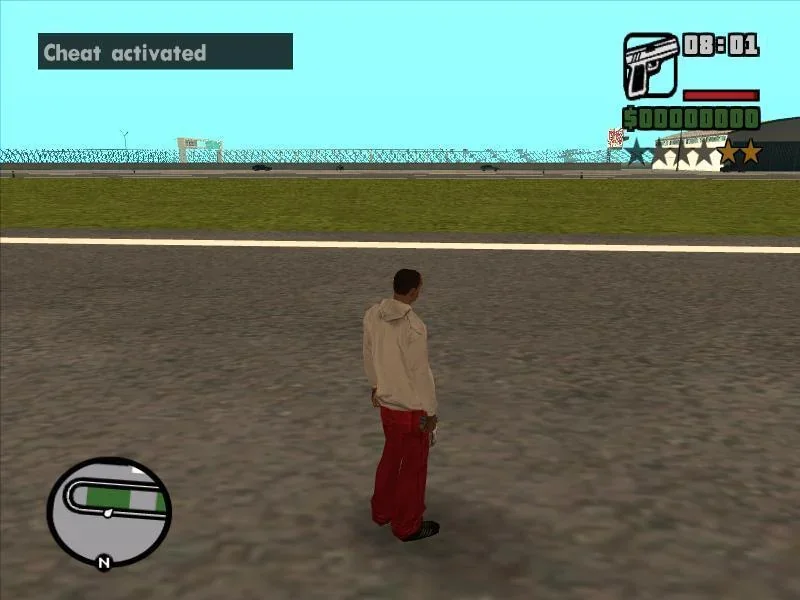
How to Confirm a Cheat Is Activated?
When successful:
- A notification appears in the top-left.
- The effect activates instantly.
- Some cheats play a short sound.
Can You Disable or Reverse Cheats?
Some cheats are toggle-based and can be reversed by entering them again. Others require restarting the game session to reset.
Common Reasons Why Cheats Don’t Work?
- Typing mistake
- Wrong keyboard layout
- Typing too slowly
- Mod conflicts
Most failures are simple spelling errors.
GTA San Andreas Definitive Edition PC Cheats
The remastered version of GTA San Andreas is included in Grand Theft Auto: The Trilogy – The Definitive Edition and runs on the Unreal Engine, bringing updated lighting, improved textures, and modern performance enhancements while keeping the classic gameplay experience intact.
Do cheat codes work in the Definitive Edition on PC?
Yes, most classic cheat codes still work in the Definitive Edition, which is part of Grand Theft Auto: The Trilogy – The Definitive Edition. However, due to the engine upgrade to Unreal Engine, physics and lighting effects may behave slightly differently compared to the original version.
Are Cheat Codes Different?
Most classic cheat codes still work. However:
- Physics feels slightly different.
- Lighting and environmental effects are enhanced.
- Performance impact may be higher during chaos cheats.
Do Cheats Disable Achievements in Definitive Edition?
Yes. If you use cheat codes in GTA San Andreas – Definitive Edition, achievements (or trophies on console) are disabled for that save file.
Once a cheat is activated, the game stops tracking achievements on that specific save. Even when you turn off cheat later, achievements will not unlock unless you load a save from before the cheat was used.
If you care about 100% completion or earning achievements, it’s best to keep a separate save file for cheats and use your main save for normal gameplay.
Performance & Glitch Risks
Due to engine upgrades, heavy chaos cheats may cause:
- Frame drops
- AI overload
- Minor mission instability
Restarting the game after heavy use is recommended.
Cheat Codes vs Trainers – What’s the Difference?
Cheat Codes
- Embedded directly in the game engine
- Official developer-designed system
- Limited to predefined effects
- Safe for offline single-player use
- Operates within engine boundaries
- Low technical risk
Trainers
- Third-party memory modification tools
- Custom health sliders
- Teleportation and god mode
- Gravity and vehicle manipulation
- May conflict with updates
- Malware risk from unknown sources
Most Famous & Short GTA San Andreas Missions
Some missions in Grand Theft Auto: San Andreas became iconic due to difficulty, storyline impact, or meme culture. Here are the most famous ones:
Instant Survival Boost
Health, armor, and weapon cheats help players survive difficult missions or extreme wanted levels. Especially useful during gang wars and extended combat sequences.
Sandbox Experimentation
Spawning high-tier vehicles instantly transforms gameplay into a sandbox environment. Players can explore advanced mechanics early.
Faster Progression Testing
Cheats allow quick testing of vehicles, weapons, and hidden map areas without grinding early missions.
Replay Value
After 100% completion, cheats refresh the world. Riot mode, chaos traffic, and flying vehicles change the entire experience.
Pure Entertainment
Spawning a Rhino tank and surviving maximum wanted levels delivers controlled chaos and pure excitement.
Who Should Use Cheat Codes — and Who Should Avoid Them?
Cheat codes are not just about making the game easier — they are about how you prefer to experience GTA San Andreas. Some players enjoy experimenting with unlimited power and sandbox freedom, while others prefer the challenge of completing missions without shortcuts.
Knowing who should use cheat codes — and who may want to avoid them — helps you decide what kind of gameplay experience suits you best.
Why Use GTA San Andreas PC Cheat Codes?
- Get instant health, armor, and weapon advantages
- Spawn vehicles instantly for sandbox exploration
- Test weapons and map areas without grinding
- Increase replay value after story completion
- Create fun and chaotic gameplay scenarios
When Should You Avoid Using Cheats?
- You are aiming for 100% completion
- You want to unlock achievements legitimately
- You prefer the authentic story progression
- Story missions rely heavily on AI scripting
- You are playing your primary save file
Frequently Asked Questions
Final Thoughts:
GTA San Andreas PC cheats codes remain one of the most powerful sandbox systems ever included in a single-player game. They provide instant fun, experimentation, and replay value without requiring external tools.
If you are playing the original version or the Definitive Edition, the cheat system remains functional and enjoyable. Use them responsibly, keep a clean save file for structured progression, and avoid heavy modifiers during missions.
Used wisely, cheat codes turn San Andreas into a fully customizable playground — and that freedom is exactly why the game remains timeless.